
|
|
Connect hardware
-
Plug the usb cable (If the Operating System fails to detect the device please try a different USB port and make sure the drivers () are updated.
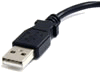 )
on any available USB port (
)
on any available USB port (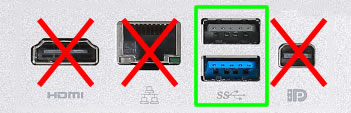 )
)
Start Application and Webportal
-
Launch the shortcut
Start Reader Interface
to start the application
If already running you can just open it by selecting the icon from the taskbar.
-
Select the big button
Open Integritas Webportal
to launch browser with the correct page.
When the user navigates to a page that requires it, the Reader Interface will establish the necessary connection.
-
On the Browser, navigate to a page that uses the Reader Interface and wait for it to connect.
After loading, the Load Reader Button will look like this:
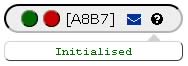
NOTE:
Multiple users can Logout and Login from the website without having to restart the application as long as they always use the same browser.
NOTE:
It is not possible to have multiple instances of the application running at the same time!